Free Online Tools to Replace Expensive Software (2026)
Why Software Costs Are Rising
Subscription stacks are growing fast. Many users pay for large suites but only use a few features weekly.
Free online tools help you cut recurring costs by replacing one-off tasks like conversion, formatting, and document processing.
In 2026, smart teams are blending lightweight browser tools with core systems to keep budgets lean.
Software Categories You Can Replace First
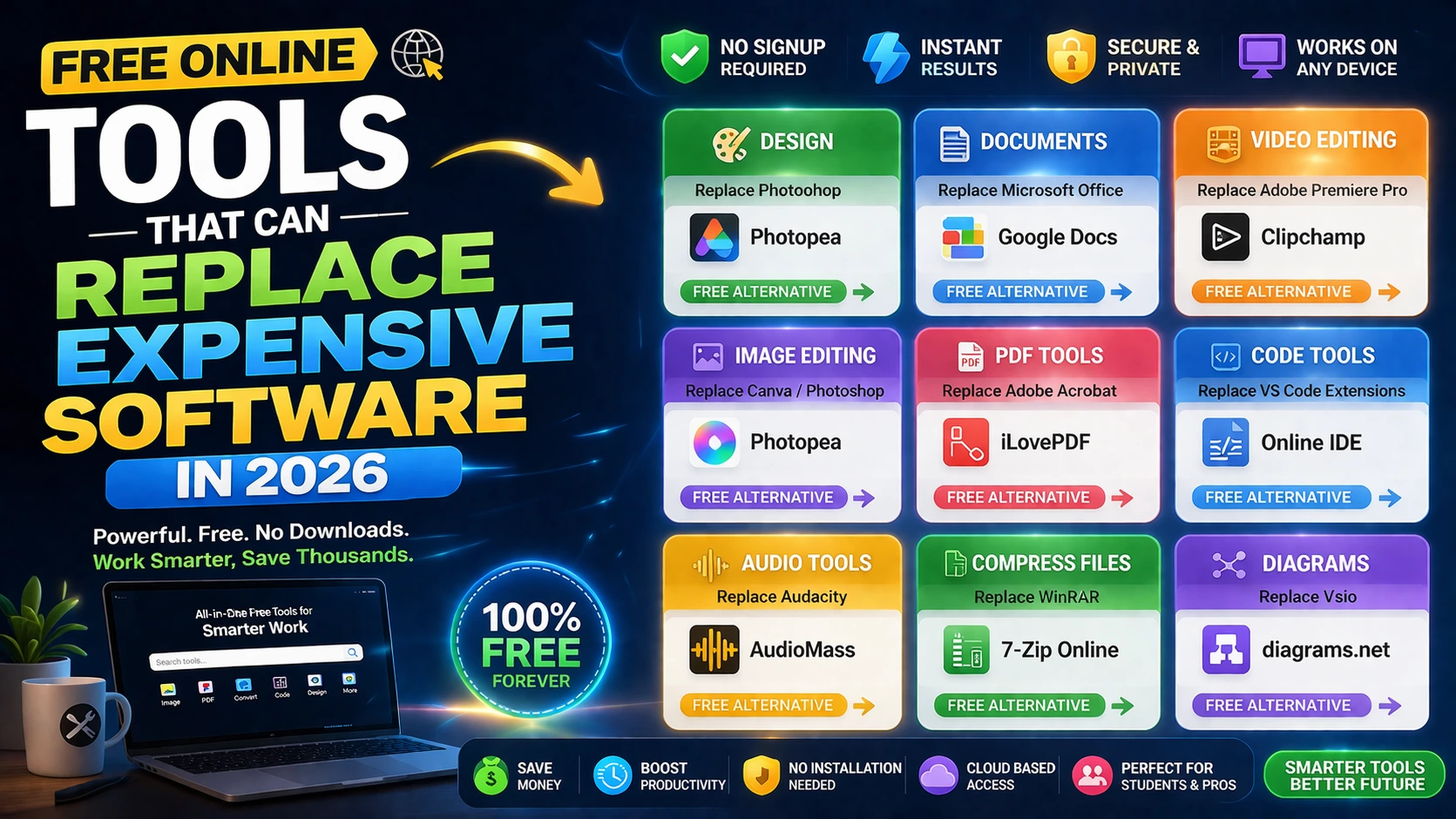
Document workflows: use PDF tools for merge, split, conversion, and protection without premium desktop licenses.
Creative workflows: use image compression, resize, crop, and format conversion for day-to-day publishing needs.
Developer and SEO workflows: use online formatters, validators, and generators to speed up operational tasks.
How to Build a Cost-Saving Tool Stack
Audit your monthly subscriptions and identify tasks done fewer than five times per week. These are your best replacement candidates.
Map each task to a free browser-based tool, then test quality and turnaround time over a two-week period.
Once validated, document your new process and standardize links for your team.
Frequently Asked Questions
Q: Can free tools really replace paid software?
For many everyday tasks, yes. Paid software may still be needed for advanced enterprise workflows.
Q: What should I replace first to save money quickly?
Start with PDF conversion/merging, image compression, and utility workflows you run daily.
Q: Do free online tools work for teams?
Yes. With a shared workflow and curated links, teams can use them effectively for common operations.