JSON Formatter vs Minifier: What Developers Should Know
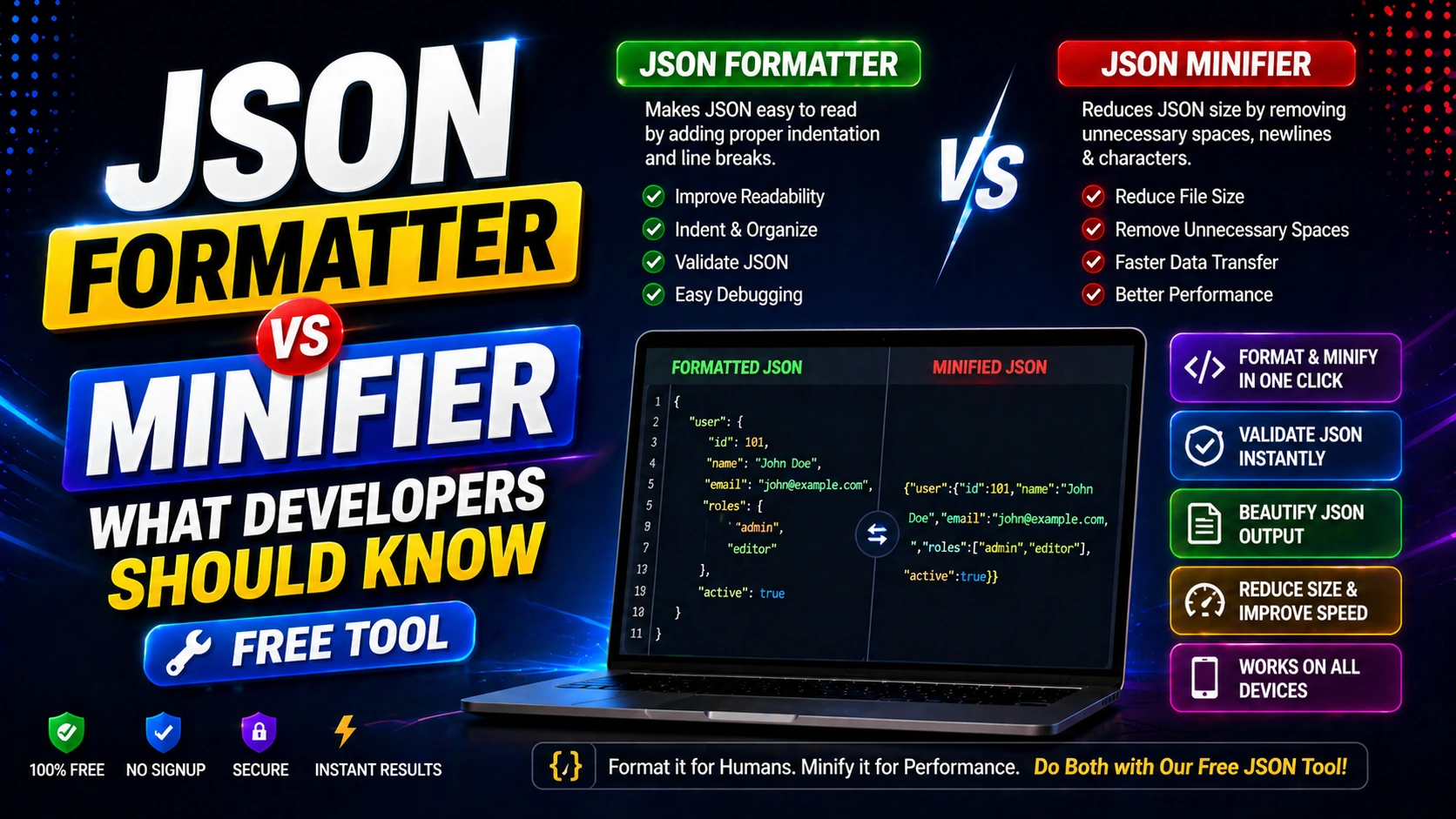
JSON Formatter vs Minifier: Key Differences
JSON Formatter (Beautifier) adds indentation, line breaks, and spacing to make JSON human-readable. It's essential for debugging and code reviews.
JSON Minifier removes all unnecessary whitespace to reduce file size. It's used for production APIs and web performance optimization.
Both serve different purposes: formatting for development, minifying for deployment.
When to Use JSON Formatter
Use a formatter when you receive minified JSON from APIs and need to read or debug the structure.
It's also useful for validating JSON syntax, finding errors, and making code more maintainable.
Formatted JSON is easier to share with teams and include in documentation.
When to Use JSON Minifier
Minify JSON before sending it over the network to reduce payload size and improve load times.
Use minified JSON in production APIs, configuration files, and web applications where file size matters.
Minification can reduce JSON size by 30-60% without changing the data structure.
Frequently Asked Questions
Q: Does minifying JSON change the data?
No. Minification only removes whitespace. The data structure and values remain identical.
Q: Can I format minified JSON back to readable form?
Yes. A JSON formatter can restore indentation and structure to any valid minified JSON.
Q: Which is better for API responses?
Minified JSON is better for API responses to reduce bandwidth. Format it locally for debugging.