10 Powerful Online Developer Tools - No Install Needed
Why Developers Prefer Browser-Based Utilities
When you need to debug fast, speed beats setup. Online developer tools remove dependency installation, local config drift, and version mismatch friction.
For API and data workflows, lightweight browser utilities let you validate quickly before integrating into bigger systems.
This approach is ideal for rapid experimentation, client support, and on-the-go troubleshooting.
10 Essential Tools for Everyday Development
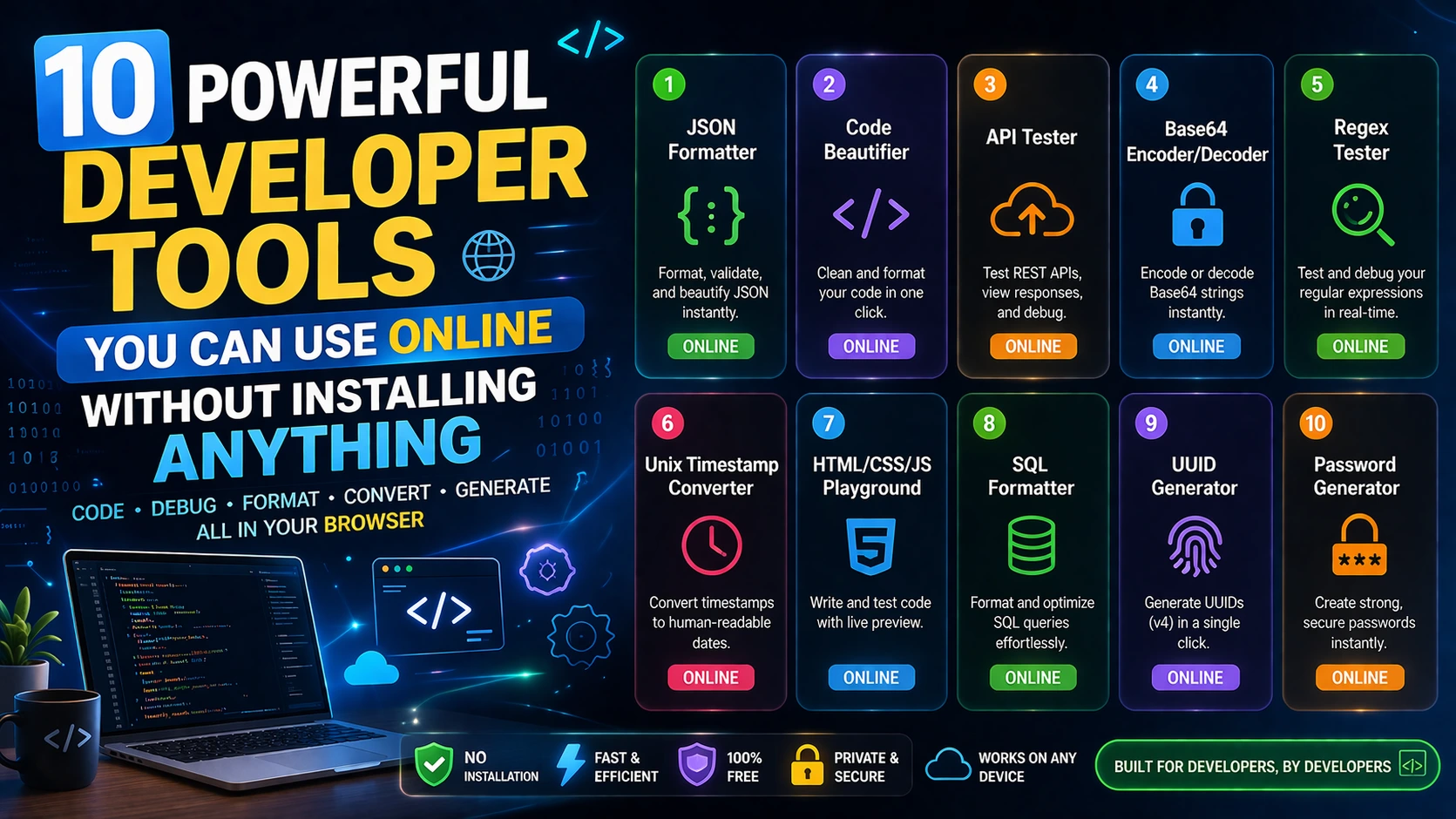
1) JSON Formatter, 2) Regex Tester, 3) URL Encoder/Decoder, 4) JWT Decoder, 5) Cron Generator, 6) HTTP Header Checker, 7) API Response Formatter, 8) JSON to TypeScript, 9) SQL Query Beautifier, 10) Curl to Axios Converter.
Together these cover payload cleanup, auth token checks, endpoint diagnostics, and code transformation tasks you likely do weekly.
They are also useful for collaboration because output is easy to share and review during team discussions.
How to Use Them in a Real Debug Session
Start by validating response JSON and headers, then decode authentication tokens and inspect expiry windows.
Next, test edge-case input with Regex or encoding tools to reproduce user issues accurately.
Finish by converting request snippets into production code stubs so fixes ship faster.
Frequently Asked Questions
Q: Are online developer tools reliable for production work?
They are excellent for validation, prototyping, and debugging. Use them as accelerators alongside your core development stack.
Q: Can I use these tools for API troubleshooting?
Yes. Header checks, payload formatting, token decoding, and request conversion are all useful for API debugging.
Q: Do they replace IDE extensions?
Not fully. They complement IDEs by offering instant, focused workflows for one-off tasks.