What is Base64 Encoding? Real Use Cases & Online Tool
What is Base64 Encoding
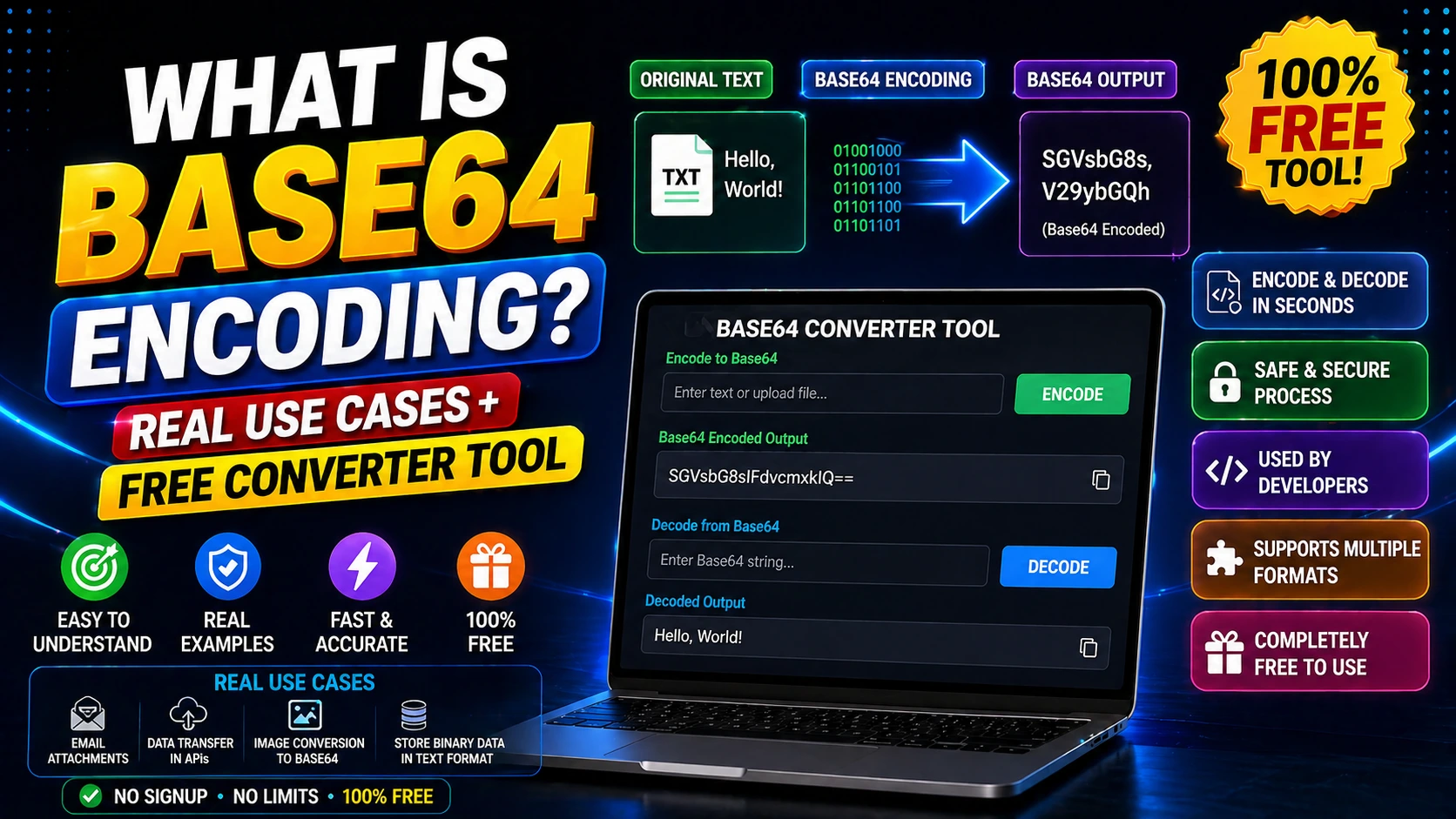
Base64 is a binary-to-text encoding scheme that converts binary data into an ASCII string format. It's commonly used to transmit data over media designed to handle text.
Base64 encoding increases data size by about 33% but ensures the data can be safely transmitted through systems that only support text.
It's widely used in email attachments, data URLs, embedding images in HTML/CSS, and API authentication.
Real-World Use Cases for Base64
Email systems use Base64 to attach files since SMTP was designed for text-only transmission.
Web developers use data URLs (Base64-encoded images) to reduce HTTP requests for small images.
API authentication often uses Base64-encoded credentials in HTTP headers.
Storing binary data in JSON or XML requires Base64 encoding to maintain valid text format.
How to Use Base64 Converter Tools
Paste your text or upload a file to the Base64 encoder to get the encoded string.
For decoding, paste the Base64 string and the tool will convert it back to original data.
Many tools support both text and file conversion, making it easy to work with different data types.
Frequently Asked Questions
Q: Is Base64 encryption?
No. Base64 is encoding, not encryption. It's easily reversible and provides no security.
Q: Why does Base64 increase file size?
Base64 uses 6 bits per character to represent 8 bits of data, resulting in ~33% size increase.
Q: Can I use Base64 for passwords?
No. Base64 is not secure for passwords. Use proper hashing algorithms like bcrypt or Argon2.