Crop Image to Exact Size Online (Pixels, Inches, CM Guide)
Why Precise Image Cropping Matters
Exact dimensions are required for profile pictures, banners, print materials, and official documents. Incorrect sizes lead to rejection or poor presentation.
Cropping to specific sizes ensures your images meet platform requirements (LinkedIn, Instagram, passport photos) and print specifications.
Online crop tools make it easy to achieve precise dimensions without professional design software.
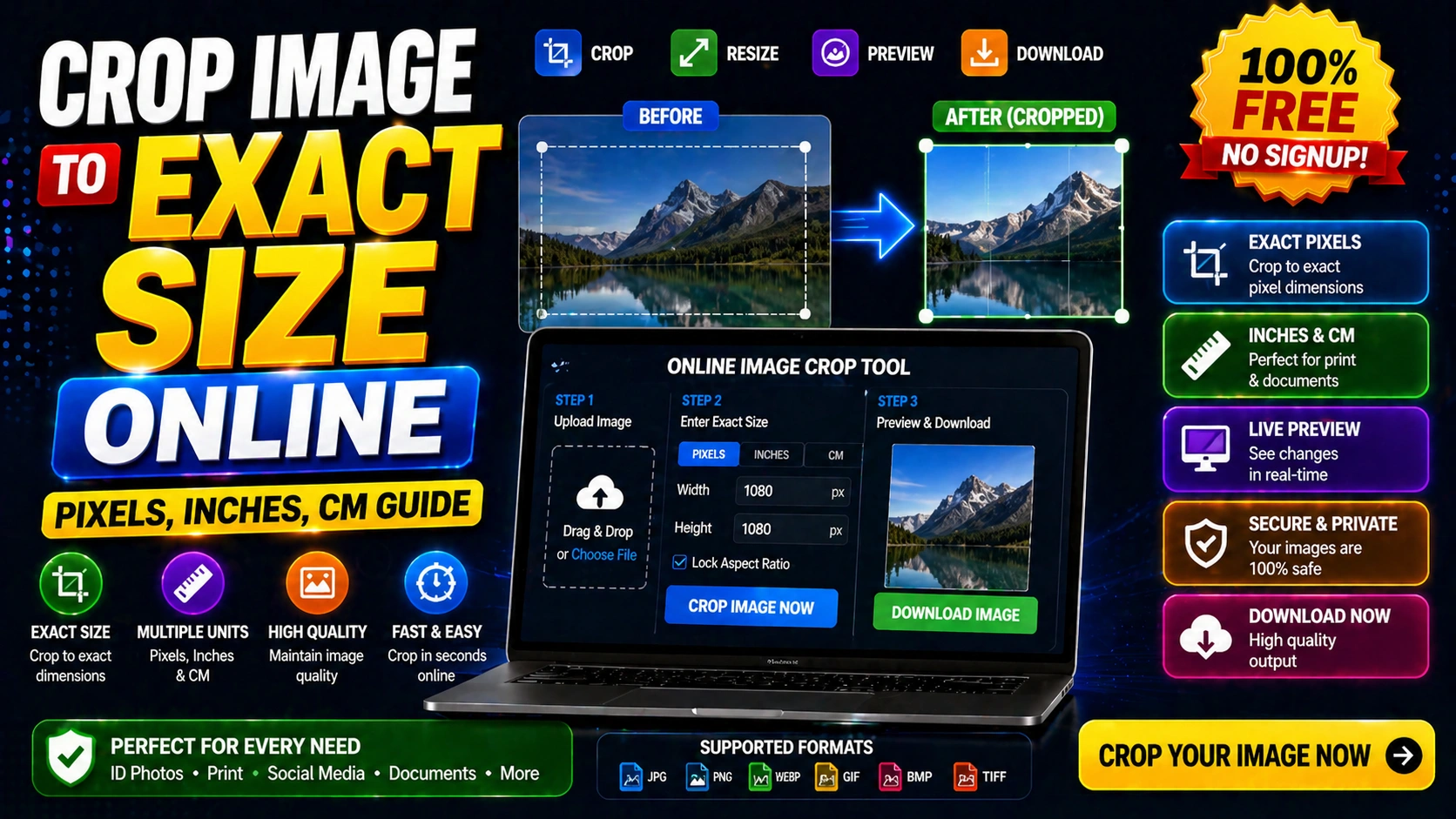
How to Crop Image to Exact Size
Upload your image to the crop tool. Enter the target dimensions in pixels, inches, or centimeters.
Adjust the crop area to focus on the important part of the image while maintaining the required size.
Preview the cropped image and download it in your preferred format.
Common Image Size Requirements
Passport photos: 2x2 inches (51x51mm)
LinkedIn profile: 400x400 pixels
Instagram post: 1080x1080 pixels
Facebook cover: 820x312 pixels
YouTube thumbnail: 1280x720 pixels
Frequently Asked Questions
Q: What's the difference between crop and resize?
Cropping removes parts of the image. Resizing changes the overall dimensions without removing content.
Q: Can I crop an image to multiple sizes at once?
Most tools process one crop at a time. For multiple sizes, repeat the process or use batch tools.
Q: Will cropping reduce image quality?
Cropping itself doesn't reduce quality, but starting with a high-resolution image ensures better results.