How to Convert PDF to Word Online Free (Fast & Secure)
When You Should Convert PDF to Word
PDF is great for sharing, but editing often requires an editable format. Converting to Word makes revisions, collaboration, and versioning much easier.
This is especially useful for contracts, resumes, reports, and educational documents where content updates are frequent.
The best method is quick, preserves layout, and does not require complex desktop software.
Fast and Secure Conversion Workflow
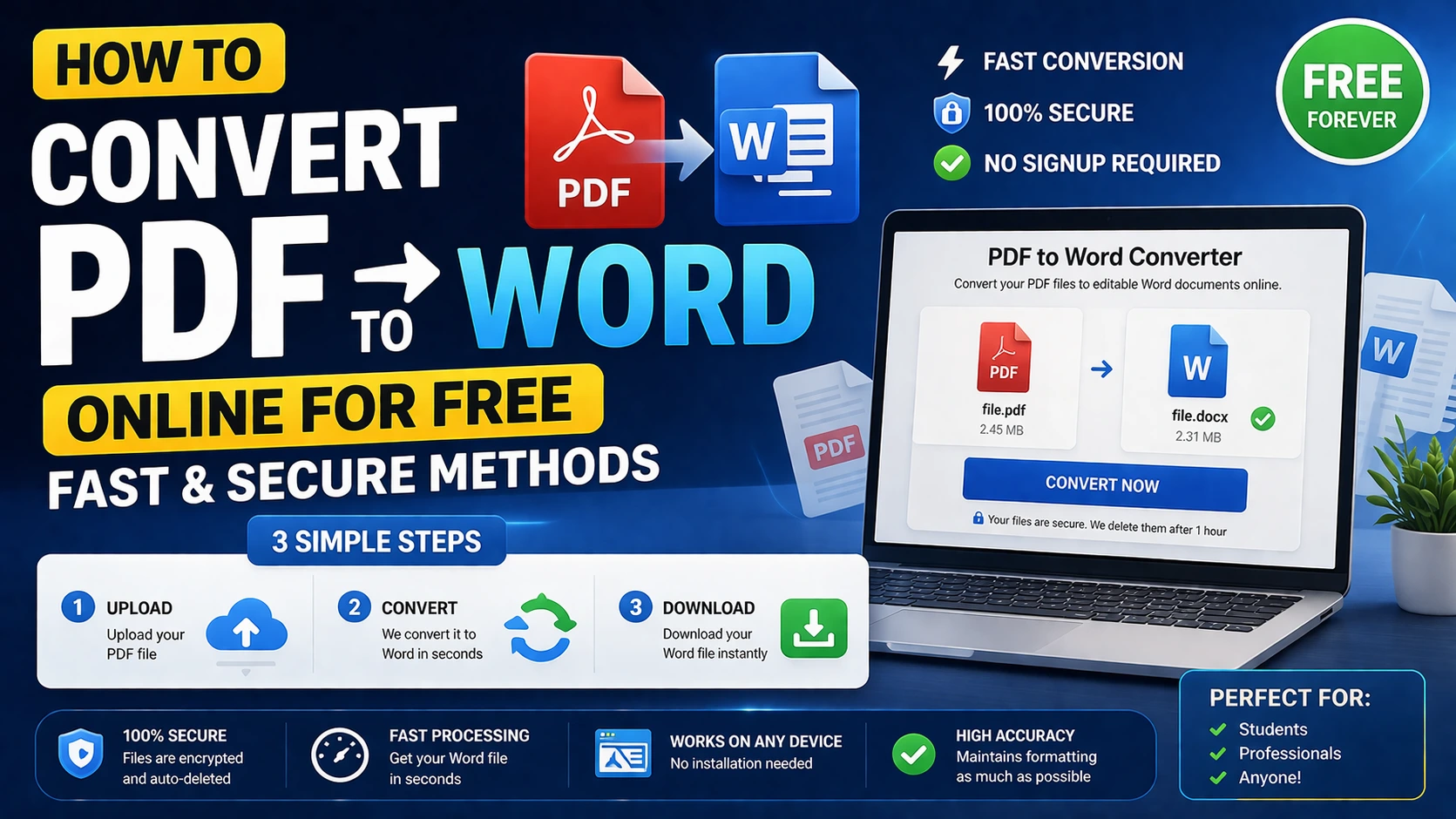
Upload your PDF, run conversion, review output formatting, and export as DOCX. For multi-file jobs, combine or split files before conversion to improve structure.
If your document includes scanned pages, keep an eye on text recognition quality and manually verify final formatting sections.
For team workflows, add password and unlock tools before conversion where access control is required.
Tips for Better Output Quality
Use clean source PDFs with consistent fonts and spacing. Highly stylized layouts may need small touch-ups after conversion.
Convert in smaller batches for large files to reduce errors and improve quality checks.
Always compare key pages after conversion before sharing or publishing final documents.
Frequently Asked Questions
Q: Is PDF to Word conversion free?
Yes, you can convert PDF to Word online for free using browser-based tools.
Q: Will the converted file keep original formatting?
Most modern tools preserve core formatting well, though complex layouts may need minor manual fixes.
Q: Is it safe to convert sensitive documents online?
Use trusted privacy-focused tools and avoid uploading highly sensitive documents to unknown services.