Merge PDF Files Online in Seconds (No Watermark, 100% Free)
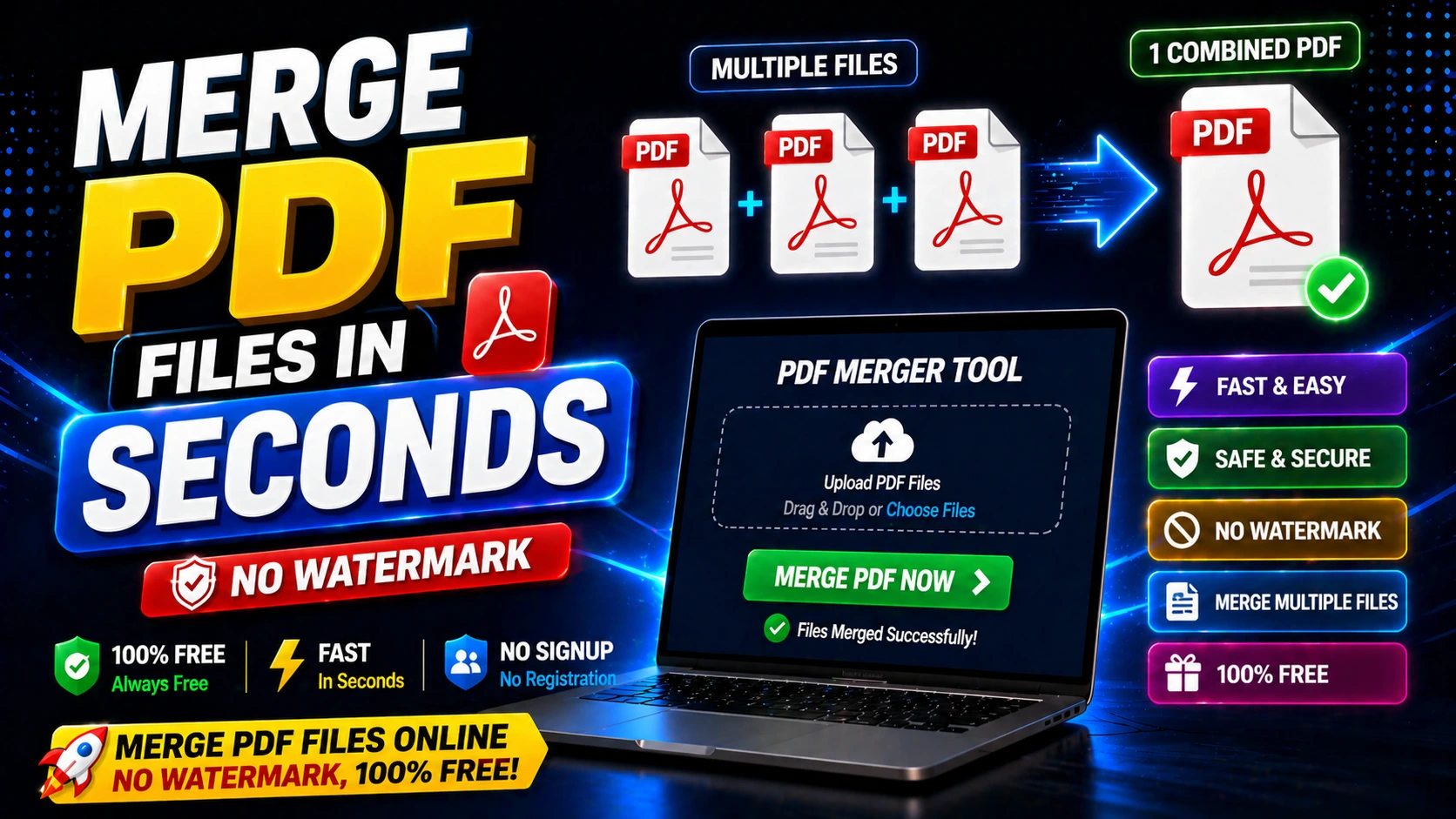
Why Merge PDF Files
Merging PDFs lets you combine multiple documents into a single file for easier sharing, printing, and archiving.
It's useful for creating reports from multiple sources, compiling chapter documents, or organizing scanned pages.
A single merged PDF is easier to email, upload, and manage than multiple separate files.
How to Merge PDF Files Online
Upload all the PDF files you want to merge. Arrange them in the correct order using drag-and-drop.
Click the merge button. The tool will combine all files into one PDF while preserving formatting and page order.
Download the merged PDF. The output will be watermark-free and ready for use.
Tips for Better PDF Merging
Ensure all PDFs have consistent page orientation (portrait or landscape) before merging for professional output.
Check page numbering and headers/footers to avoid conflicts in the merged document.
For large merges, consider splitting into logical sections to keep file sizes manageable.
Frequently Asked Questions
Q: Is there a limit on how many PDFs I can merge?
Most tools allow merging multiple files. For very large batches, process in smaller groups.
Q: Will merging PDFs affect the quality?
No. Merging combines files without changing the content or quality of individual pages.
Q: Can I merge password-protected PDFs?
You may need to unlock the PDFs first before merging, depending on the tool's capabilities.