Resize Image to 20KB/50KB for SSC & UPSC Forms Online
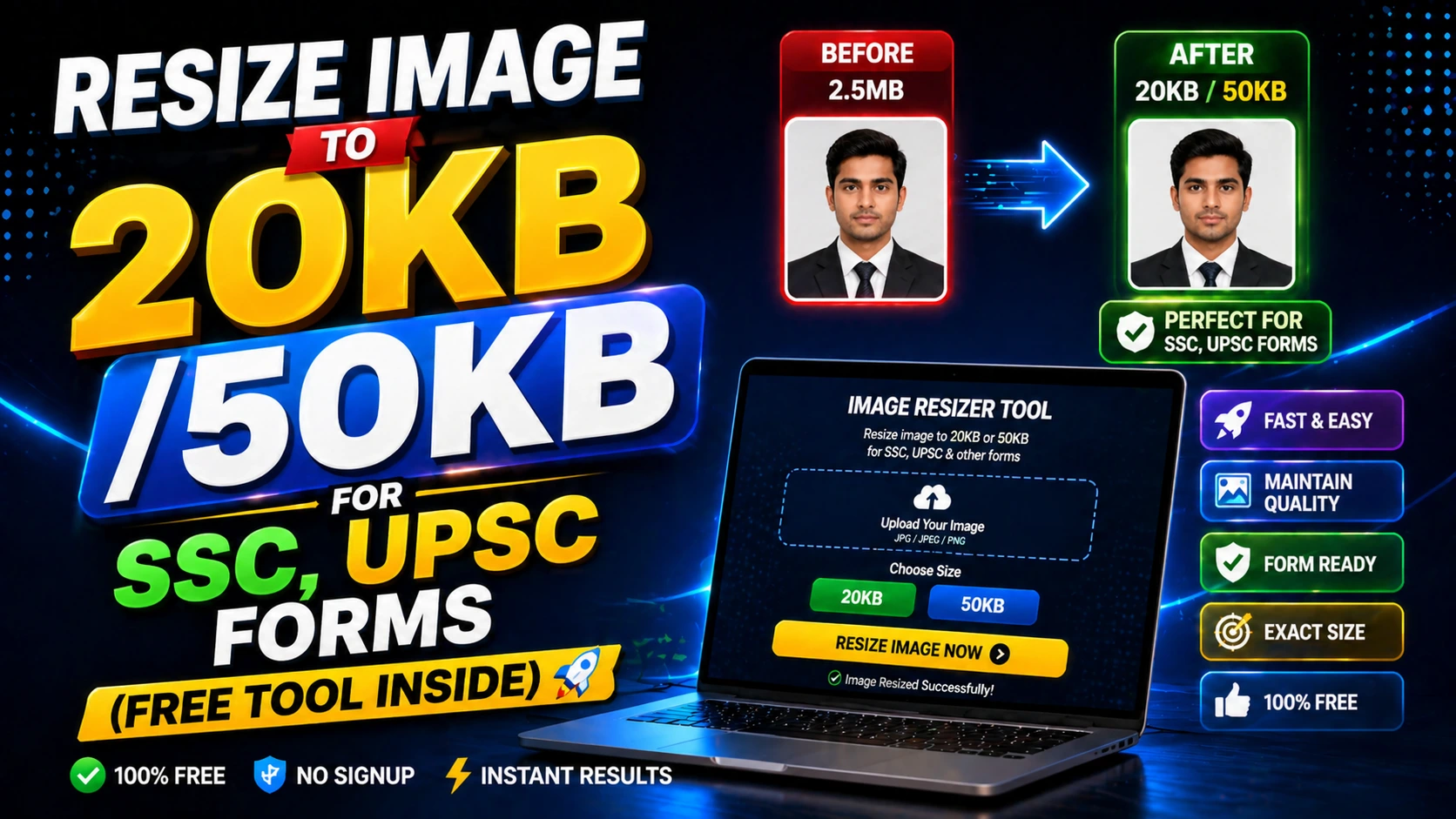
Why Exam Forms Have Strict Image Size Limits
Government exam portals like SSC, UPSC, and banking exams have specific image size requirements (usually 20KB-50KB) to ensure fast upload and database efficiency.
These limits prevent server overload and standardize applicant photo storage across millions of applications.
Meeting these requirements is critical—incorrect file size is a common reason for application rejection.
How to Resize Image to 20KB or 50KB
Upload your photo to an online image resize tool. Select the target file size (20KB or 50KB) based on your exam form requirements.
The tool will automatically adjust compression levels, reduce resolution, and optimize the image while maintaining face clarity.
Preview the output, ensure the face is still recognizable, then download the resized image.
Tips for Exam Photo Success
Start with a high-quality photo. Compressing a low-quality image further will make it unusable.
Remove backgrounds and keep the photo simple. Complex backgrounds increase file size unnecessarily.
Test different compression levels if the first attempt doesn't meet the exact KB requirement.
Frequently Asked Questions
Q: What is the ideal image size for SSC exam forms?
Most SSC forms require 20KB-50KB. Check the specific notification for exact requirements.
Q: Will reducing image size affect face recognition?
Proper compression maintains face clarity. Avoid over-compression which can blur features.
Q: Can I use the same photo for multiple exam applications?
Yes, if it meets the size and format requirements of each exam portal.