Top 10 Image Compressor Tools Compared (Best of 2026)
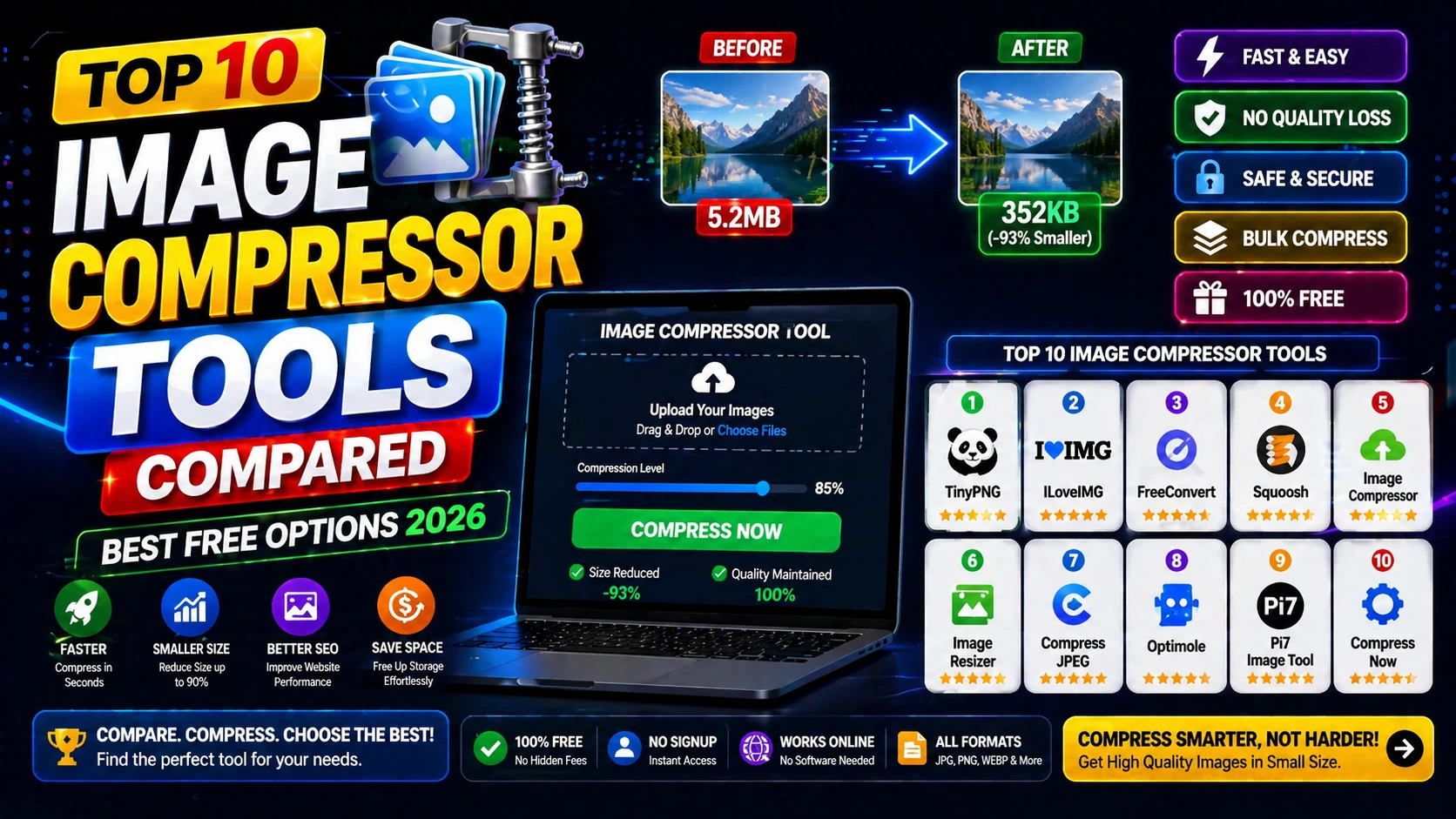
What Makes a Great Image Compressor
The best image compressors balance file size reduction with quality preservation. They should support multiple formats (JPG, PNG, WebP) and offer batch processing.
Speed matters—good tools compress images in seconds without requiring software installation.
Privacy is critical. The best options process files client-side or delete data immediately after processing.
Top Image Compression Tools Comparison
DailyTools247 Image Compressor: Fast, browser-based, supports JPG/PNG/WebP with quality presets.
TinyPNG: Popular choice with good compression but has file size limits on free tier.
Squoosh: Google's tool with advanced controls but steeper learning curve.
Compressor.io: Good for multiple formats but slower processing.
How to Choose the Right Tool
For quick web optimization, use browser-based tools with auto-quality settings.
For print workflows, choose tools that let you control compression levels manually.
For batch processing, look for tools that support multiple file uploads and consistent settings.
Frequently Asked Questions
Q: Which image format compresses best?
WebP typically offers the best compression-to-quality ratio, followed by JPG for photos and PNG for graphics.
Q: How much can image compression reduce file size?
Good compression can reduce file size by 50-80% with minimal visible quality loss.
Q: Is compression reversible?
No. Always keep original high-quality files as backups before compression.