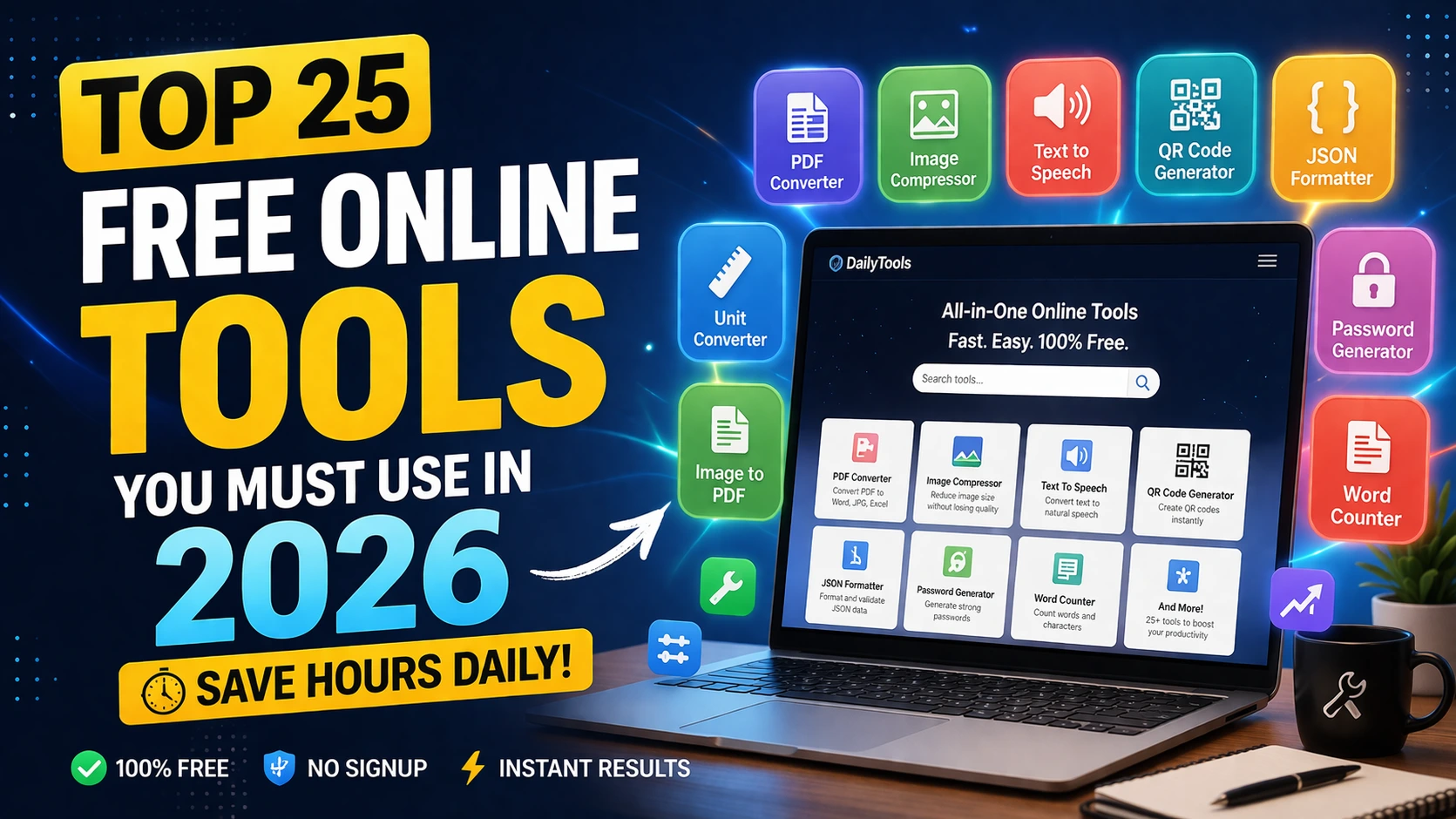
Top 25 Free Online Tools to Save Hours Daily (2026)
Why These Free Online Tools Matter in 2026
Modern workflows are speed-first. Teams no longer wait for heavy software installs when browser-based tools can finish the same task in seconds.
The best free online tools are simple, secure, and available instantly. For freelancers, students, and teams, this means fewer bottlenecks and faster results every day.
If you want to save hours daily, start by replacing repetitive software tasks with focused web tools that solve one job really well.
Top 25 Tools Worth Bookmarking
1) PDF to Word. 2) Word to PDF. 3) PDF Merge. 4) PDF Split. 5) Image Compressor. 6) webp to JPG Converter. 7) JPG to webp Converter. 8) WebP to webp Converter. 9) AI Background Remover. 10) Image Resize.
11) QR Code Generator. 12) QR Code Scanner. 13) JSON Formatter. 14) Regex Tester. 15) URL Encoder. 16) JWT Decoder. 17) HTTP Header Checker. 18) Password Generator. 19) Password Strength Checker. 20) Hash Generator.
21) Meta Title & Description Generator. 22) Keyword Density Checker. 23) UTM Link Builder. 24) GST Calculator. 25) Invoice Generator.
How to Build a Fast Daily Workflow
Create a small personal stack of tools for recurring jobs. For example: use PDF tools for docs, image tools for media optimization, and developer utilities for debugging or API cleanup.
Keep your workflow no-signup where possible. This reduces friction and helps you move from task to task without context switching.
As your needs grow, organize your most-used tools by category and save direct links for quick one-click access.
Frequently Asked Questions
Q: Are these tools really free?
Yes. The tools listed in this guide are free to use and designed for fast browser-based workflows.
Q: Do I need to install anything?
No installation is required. You can use them directly online on desktop and mobile browsers.
Q: Which tools should I start with first?
Start with high-frequency tasks: PDF conversion, image compression, and password/security utilities.