Best Free Image Converter & Compressor Tools (No Signup)
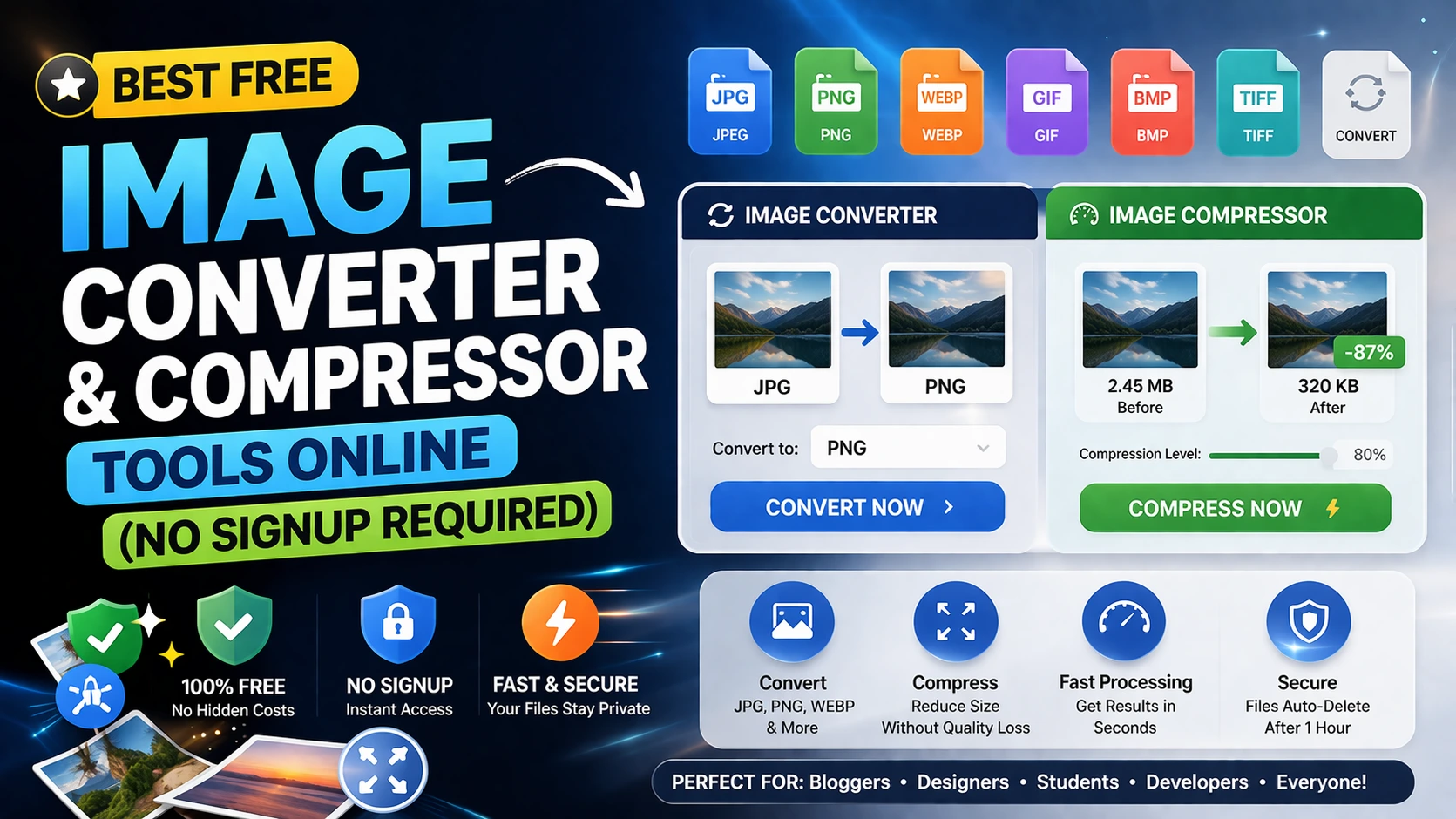
What Makes a Great Image Tool
A great image tool preserves visual quality while reducing file size or converting to the format you need.
In 2026, the strongest tools are browser-based, fast on mobile, and provide predictable output with no hidden limits.
Look for utilities that let you compress, resize, and convert in one clean flow.
Recommended Image Conversion and Compression Stack
Use webp to JPG when you need smaller files for web upload. Use JPG to webp when transparency or edit flexibility matters.
Use WebP converters for compatibility workflows and an image compressor before publishing to improve page speed and SEO.
For social use, add quick resize and crop steps so your visuals fit platform dimensions without quality loss.
SEO and Performance Benefits
Compressed images improve Core Web Vitals by reducing transfer size and load time, especially on mobile networks.
Consistent format selection also helps with caching and predictable rendering across browsers.
If your goal is speed, optimize every uploaded image before publishing product pages, blog covers, and social creatives.
Frequently Asked Questions
Q: Will compression always reduce image quality?
Not always. Smart compression can significantly reduce size with little to no visible quality difference.
Q: Which format is best for website images?
WebP is usually best for performance, while webp works well for transparency and JPG for photo-heavy content.
Q: Can I convert images on mobile?
Yes. Browser-based converters and compressors work on modern mobile devices without installation.