Compress PDF to 100KB Without Losing Quality (Free Tool)
Why Compress PDF to 100KB Matters
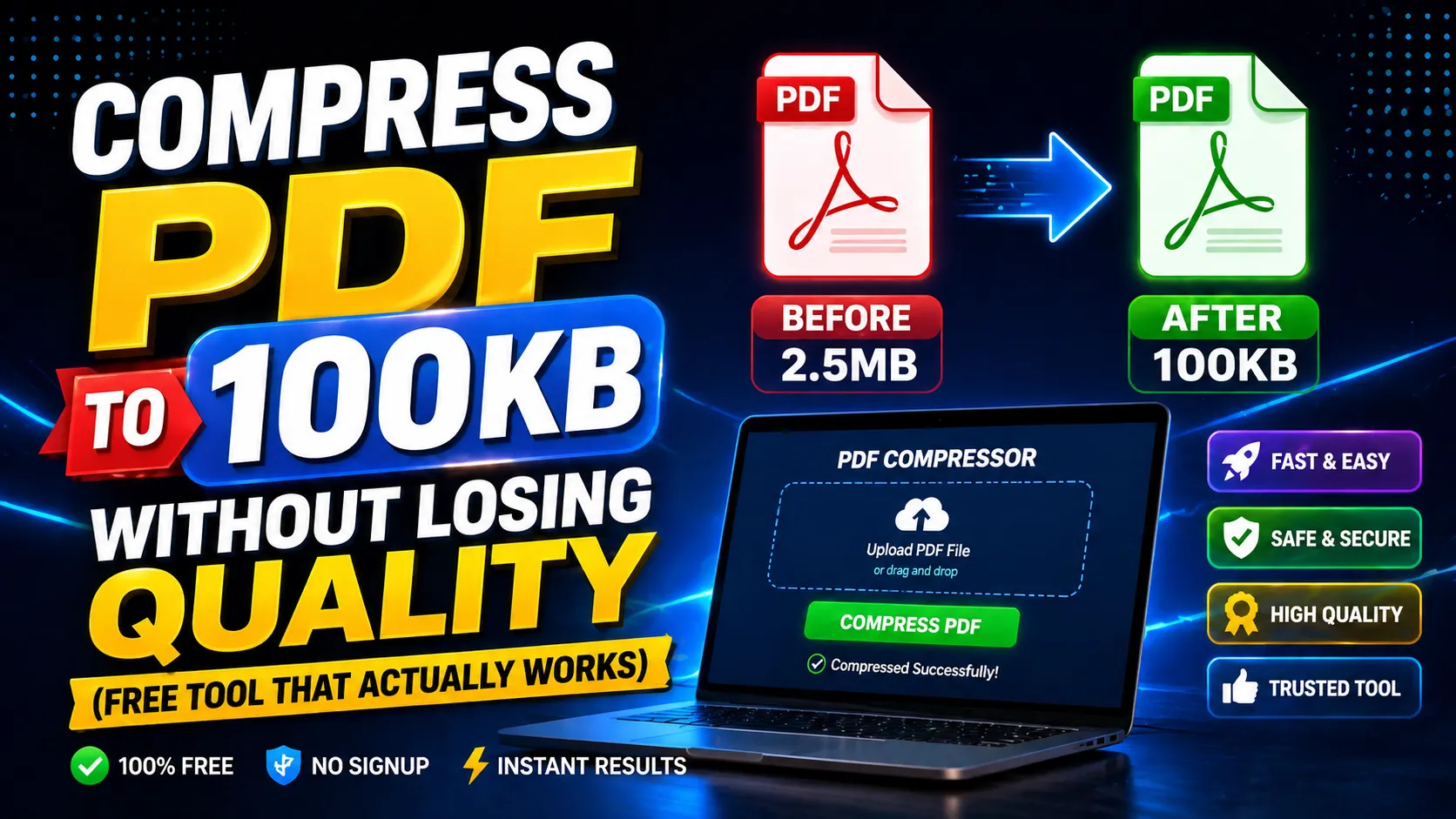
Many government portals, email services, and application forms have strict file size limits of 100KB or less. Compressing PDFs helps you meet these requirements without losing document clarity.
Online compression tools use smart algorithms to reduce file size by optimizing images, fonts, and metadata while keeping text readable.
The best part: you don't need expensive software. A free browser-based tool can compress your PDF in seconds.
How to Compress PDF to 100KB Online
Upload your PDF file to the compressor tool. The system will analyze the document and apply optimization techniques.
For documents with images, the tool reduces image resolution and removes unnecessary metadata. For text-heavy files, it optimizes fonts and compress embedded elements.
Download the compressed file and verify that text remains clear and images are acceptable quality.
Tips for Best Compression Results
Start with the highest quality source file. If you compress an already-compressed PDF, quality degradation compounds.
Remove unnecessary pages before compression to focus optimization on relevant content.
For forms with scanned documents, ensure the original scan is clean and legible for better output.
Frequently Asked Questions
Q: Will compressing PDF to 100KB reduce text quality?
No. Smart compression optimizes structure and images while keeping text sharp and readable.
Q: Is it safe to compress sensitive documents online?
Use trusted privacy-focused tools. Avoid uploading highly confidential files to unknown services.
Q: Can I compress multiple PDFs at once?
Most tools process one file at a time. For batch workflows, compress files sequentially.